The Introduction
In my 21 years of experience in the technology sector, I can say that the threats we face in 2026 are completely different from any threats I saw in 2005. We’re no longer just fighting simple viruses; we’re facing AI-powered phishing and automated social engineering.
While we use powerful hardware like [upcoming A20 devices] and advanced [AI productivity tools], we often forget that our ‘technological advantage’ in speed should not come at the expense of our security.
| Feature | 2005 Cybersecurity | 2026 Cybersecurity (The Technical Bonus) |
| Main Threat | Basic Viruses & Worms | AI-Driven Phishing & Deepfakes |
| Primary Defense | Desktop Antivirus | On-device Neural Security (A20/Titan) |
| Authentication | Simple Passwords | Multi-modal Passkeys & Biometrics |
| Network Security | WEP/WPA Encryption | WPA3 + Isolated IoT Guest Networks |
1. Defending Against AI-Powered Phishing
Furthermore, in 2026, hackers will use artificial intelligence to create perfect, personalized email and voice clones.
- The Tip: Never trust an immediate request for data, even from a colleague. Use “out-of-band” verification—call them at a trusted number to confirm.
2. Secure Your Home Network (Wi-Fi 7)
As we discussed in our [Ultimate Tech Setup Guide], Wi-Fi 7 is the new standard. But faster speeds mean more avenues of entry for attackers.
- The Tip: Make sure your router uses WPA3 encryption and create a separate “guest network” for your smart home (IoT) devices.
3. Move Beyond Simple Passwords
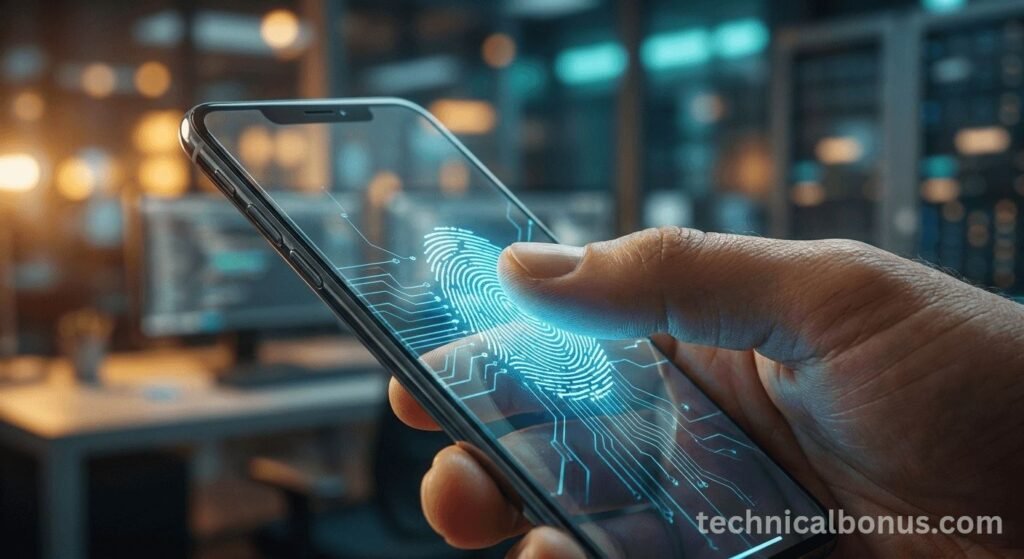
Moreover, passwords are the weakest link. By 2026, passkeys and multi-modal biometrics will be the professional standard.
- The Tip: Use a dedicated password manager and enable passkeys wherever possible. This is a significant security upgrade compared to traditional 2FA.
4. Audit Your AI Tool Permissions
Many of the [Top 5 AI Tools] we reviewed require access to your files.
- The Tip: Regularly check which AI apps have “read/write” access to your cloud storage. If you no longer use a tool, revoke its access immediately.
5. Hardening Your Mobile Hardware
In addition, whether you use an [iPhone or Pixel Fold], your hardware has built-in security chips (like Titan M or Apple Secure Enclave).
- The Tip: Never miss security patches. In 2026, these updates often include “zero-day” security measures to protect against AI-based attacks.
FAQ: Essential Cybersecurity Strategies for 2026
Is WPA3 encryption mandatory for home offices in 2026?
Yes. Since hackers can now use AI to “brute-force” older WPA2 passwords in minutes, WPA3 provides the technical protection needed to keep your local network secure.
Are Passkeys really safer than SMS-based 2-Factor Authentication (2FA)?
Absolutely. In my 21 years of experience, I’ve seen SMS-based 2FA become vulnerable to “SIM swapping.” Passkeys use on-device cryptography, making them vulnerable to phishing.
Does the A20 chip actually improve my privacy?
Yes. The A20’s exclusive Secure Enclave allows your biometric data and AI processing to be performed locally on the phone. This means your personal information never leaves the device.
Conclusion: Staying One Step Ahead
Ultimately, cybersecurity is an ongoing process, not a one-time arrangement. By combining the right habits with the security features built into modern 2nm hardware, you can enjoy the benefits of the digital age without fear of data theft.
Disclaimer: The security strategies shared in this article are based on my 21 years of technical experience and are for informational purposes only. No system is 100% secure. Always consult a cybersecurity expert for enterprise-level security.
