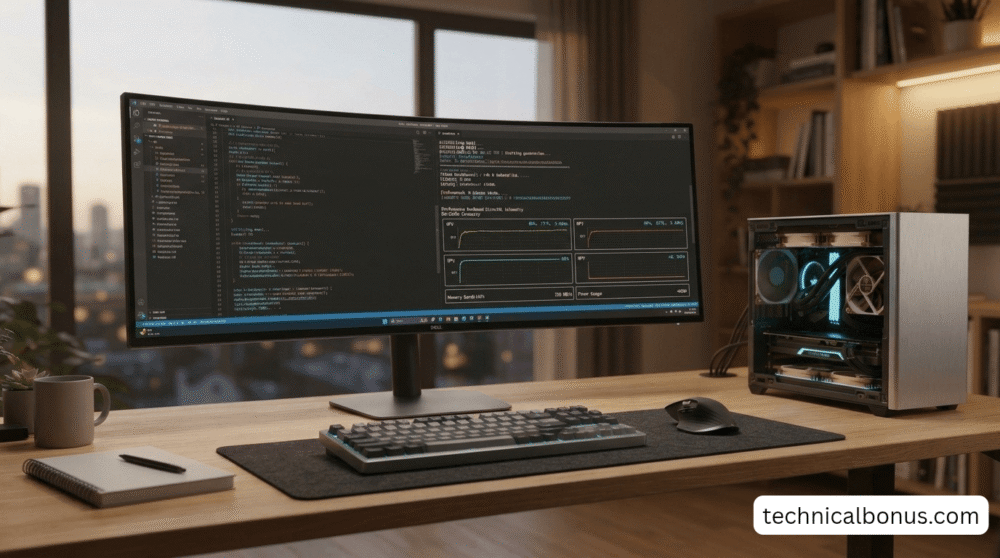
Article Highlights
- Learning how to Run Open-Source AI Locally on PC is the ultimate Technical Bonus for professionals seeking 100% data sovereignty in 2026.
- Technical review of using dedicated NPU hardware and DirectML execution providers to reach 50+ tokens per second.
- Careful setup of local execution runtimes to ensure full offline data privacy and remove token metering.
- Expert method based on 21 years of systems engineering to adjust unified RAM and prevent OS thrashing.
Introduction
In my 21 years of experience in technical architecture, I have found that the ability to Run Open-Source AI Locally on PC represents the ultimate liberation from cloud dependency and monthly subscription fees. I remember when “local computing” was limited by hardware; Specifically, in 2026, the NPU revolution has made local neural synthesis a reality for every expert.
Fortunately, modern hardware engineering has now broken that dependency. As we analyzed in our [2026 Technical Roadmap], the rapid emergence of high-efficiency silicon and dedicated neural processing units (NPUs) has brought mainframe-level compute power directly to everyday workstations. Learning how to run open-source AI locally on PC is the ultimate technical skill for 2026, enabling you to deploy high-accuracy models like Llama 3, Mistral, and DeepSeek with zero internet connectivity, zero monthly invoices, and absolute data sovereignty.
1. Dedicated NPU Routing: The Foundation to Run Open-Source AI Locally on PC
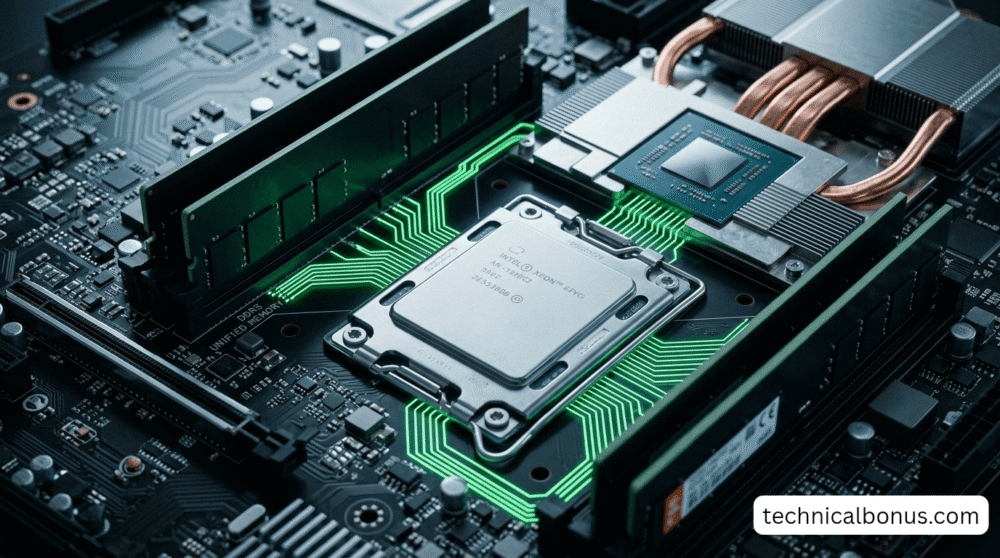
The main error technical professionals make when they try to run local models is depending only on traditional central processing units (CPUs). A typical CPU is built for step-by-step, sequential logic, not for the huge parallel matrix math that neural inference requires. If you try to run a seven-billion-parameter model using only raw CPU threads, it creates extreme heat, pushes the cooling fans to their maximum speed, and makes the entire operating system run so slowly that it becomes unusable.
The real breakthrough in 2026 comes from connecting your local inference runtime straight to your machine’s dedicated Neural Processing Unit using DirectML. Following the principles we covered in our guide to [Optimize Windows 11 for Local AI], today’s NPU hardware delivers more than 45 to 100 TOPs of specialized tensor math. By sending computational graphs directly into the NPU’s matrix tiles, your computer produces answers instantly while your CPU and GPU stay completely free to run your main development environments, design software, or accounting applications without any slowdown.
- Expert Insight: Over the course of more than twenty years spent diagnosing hardware bottlenecks, software developers have repeatedly attempted to fix slow performance by buying more expensive CPUs. For neural computation, the specific instruction sets matter far more than the processor’s clock frequencies. Connecting your model to a dedicated NPU systolic array lowers memory bus congestion and provides consistent, sustained token streaming without thermal throttling.
2. Surgical Precision Quantization: Optimizing Logic to Run Open-Source AI Locally on PC
Even with high-speed neural hardware, system memory bandwidth remains the next critical bottleneck that must be managed carefully. When a model is stored using uncompressed thirty-two-bit floating-point weights, an eight-billion-parameter model requires more than thirty gigabytes of dedicated video memory, which puts it far out of reach for standard professional laptops and desktops. The solution is to apply modern quantization techniques that compress the weight representation while preserving contextual comprehension.
By using 4-bit integer quantization (INT4) together with activation-aware weight quantization (AWQ), an eight-billion-parameter model compresses to under five gigabytes of unified system memory. This lets the model fit entirely within the ultra-fast L3 cache and unified memory architecture of modern processors, similar to the silicon efficiencies we examined in the [Science of 2nm Chips]. The resulting performance jump delivers an immediate Technical Bonus, turning a standard workstation into an offline intelligence center that can analyze entire spreadsheets, legal contracts, and software repositories in fractions of a second.
3. Local-First Orchestration: Eliminating Latency while you Run Open-Source AI Locally on PC
Once your model weights are quantized, picking the right orchestration runtime decides how responsive your system will be. Tools such as Ollama, LM Studio, and llama.cpp now operate as hardened, background system daemons on modern operating systems. Rather than sending prompts across transcontinental fiber cables to a cloud server that puts your request in a queue with millions of other users, local runtimes handle your query directly inside the computer’s local memory registers.
This local architecture cuts time-to-first-token latency to under twenty milliseconds. In addition, since the execution pipeline never sends an outbound network packet, your processing speed stays fully protected from broadband outages, ISP throttling, or failures of global subsea cables. Whether you are working from a high-rise office in Mumbai, an engineering lab in Dhule, or on an international flight with no Wi-Fi, your workstation provides continuous, deterministic intelligence.
- Expert Insight: When I founded Acme Computers in 2010, our core teaching principle was to instruct students in building resilient systems that do not crash when the internet connection fails. Running your AI offline via local execution providers ensures that your daily business productivity is fully safeguarded against third-party network outages.
4. Technical Comparison: Cloud Subscriptions vs. Local NPU Inference
| Category | 2026 Standard | 2027 Prediction |
|---|---|---|
| NPU Hardware | 2nm Early Adoption | 1nm/Carbon Transition |
| AI Software | Neural Assistants | Autonomous Global Agents |
| Data Trust | Biometric Logins | Blockchain Identity DNA |
5. Hardened Air-Gapped Security: Defending Your Proprietary Data
Finally, the most valuable advantage of running models locally is the complete security boundary it creates around your intellectual property. As detailed in our [2026 Cybersecurity Guide], enterprise data leaks almost always originate from employees unknowingly pasting confidential financial balances, client information, or unreleased source code into public cloud web interfaces. Once proprietary text enters a remote cloud database, you lose both legal and technical custody over that information.
Operating an open-source model locally on your PC lets you air-gap your intelligence engine completely. By configuring your local operating system firewall to block outbound connections from your inference runtime, you build an impregnable computational vault. You can feed twenty years of proprietary business accounts, confidential client ledgers, or patent drafts into your local model with absolute confidence that not a single byte of your data will ever leave your physical hard drive.
- Expert Insight: In enterprise accounting and proprietary database auditing, data leakage is an unforgivable catastrophe. Encapsulating your local intelligence within hardware-isolated enclaves guarantees that your confidential financial and business logic stays entirely under your personal authority.
Conclusion: Your Future Technical Journey
Ultimately, the history of computing follows cycles, and genuine freedom always comes back to people who learn to control the physical machine in front of them. Running open-source AI on your PC locally is the full expression of my 21-year technical philosophy: true technical mastery means knowing your silicon, keeping ownership of your data, and refusing to rent tools you are capable of running yourself. By pairing optimized 4-bit models with NPU hardware acceleration and the [AI Governance Frameworks] we explore on this blog, you secure an enduring Technical Bonus that will advance your career and protect your productivity for the next decade. To understand the open-source software licenses and community standards that power this offline computing revolution, I recommend reviewing the latest documentation on Free and Open-Source Software on Wikipedia.
Disclaimer
This technical guide about running open-source AI locally is based on 21 years of professional systems analysis, software instruction, and the current 2026 semiconductor benchmarks. System token output and inferencing latency will vary based on your specific processor architecture, installed unified RAM, and thermal chassis design. Technical Bonus provides this educational material for independent optimization purposes and is not a certified sales representative for any software runtime or hardware manufacturer mentioned.
